Localization
EasyBI's own texts (designer, filter bar, messages, granularity and aggregation names, blank and boolean values) ship in English and French. The language can change at runtime: designer, filter bar and visuals update immediately.
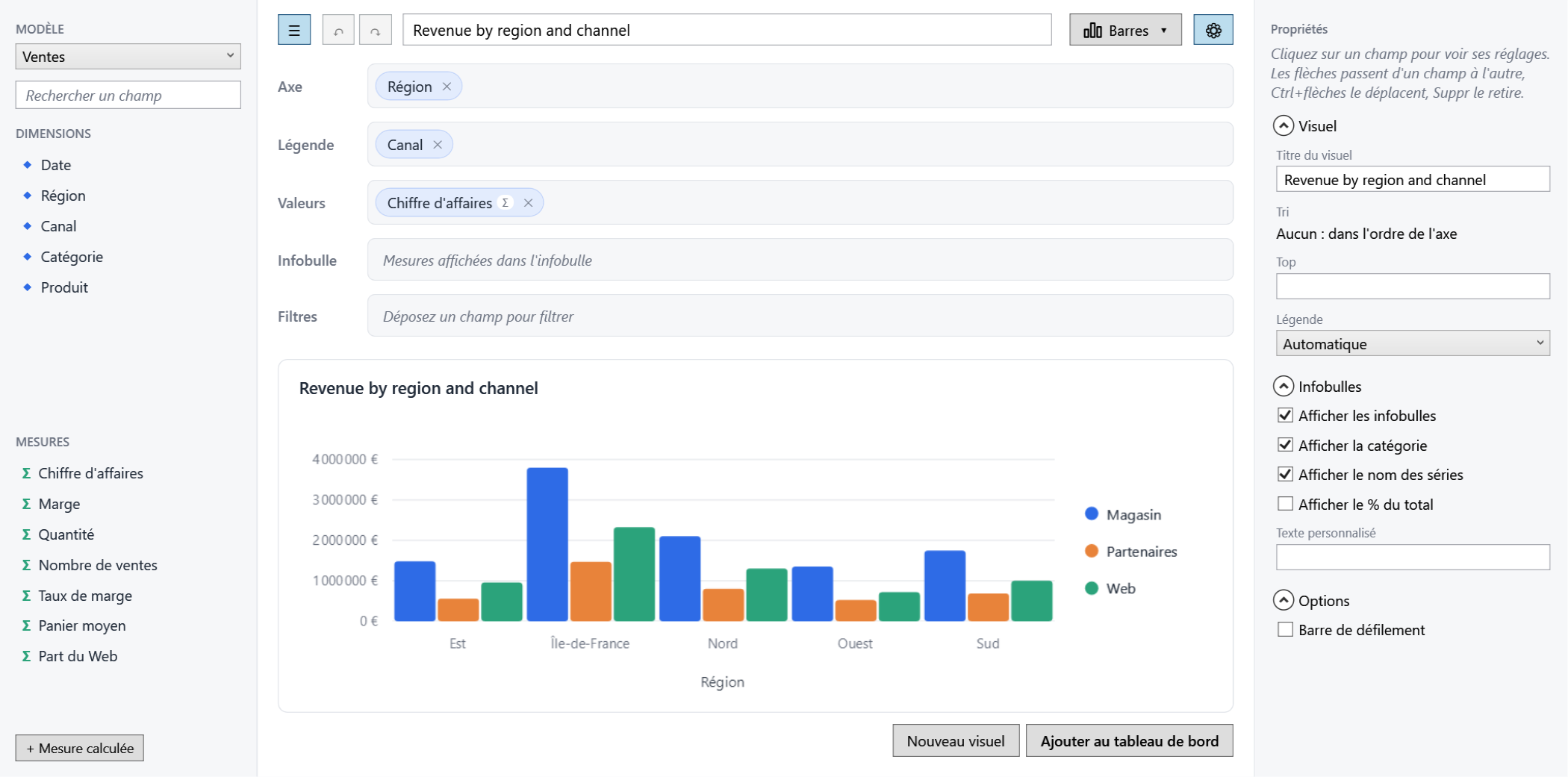
The same culture formats numbers and dates. Your semantic model captions can follow the language too:
call Localize with your own resources, and every caption becomes a resource key (a missing key falls
back to the caption itself).
var model = SemanticModel.For(db.Sales, "sales", "Sales")
    .Dimension(s => s.Region, "Region")
    .Measure(s => s.Amount, "Revenue")
    .Localize(MyStrings.ResourceManager);
Your own XAML texts can follow it as well with LocalizedStrings and the Localize markup extension:
Visual and report titles are user content: they are stored as typed and not translated.