Tooltips
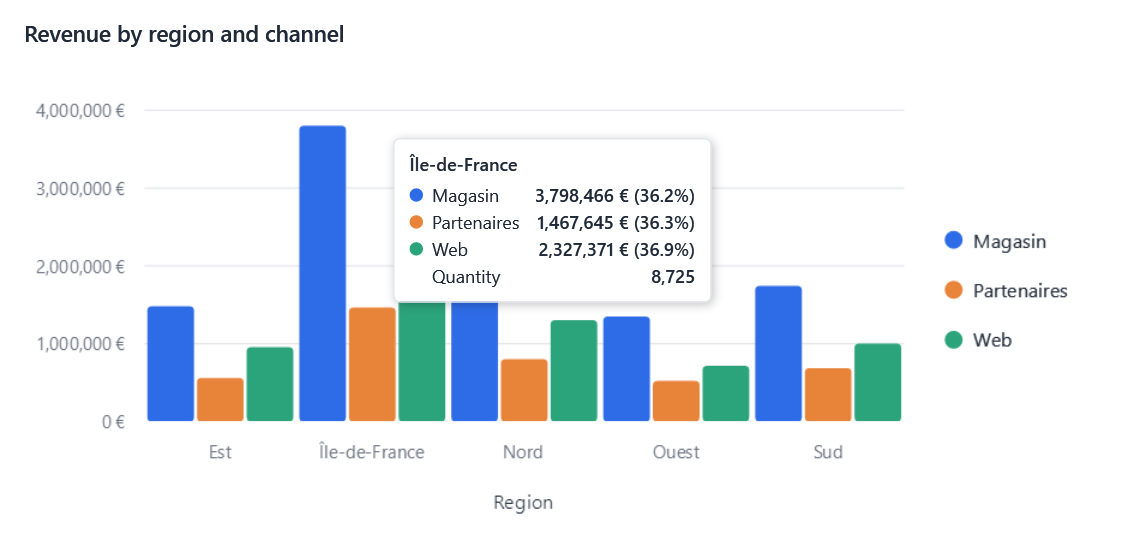
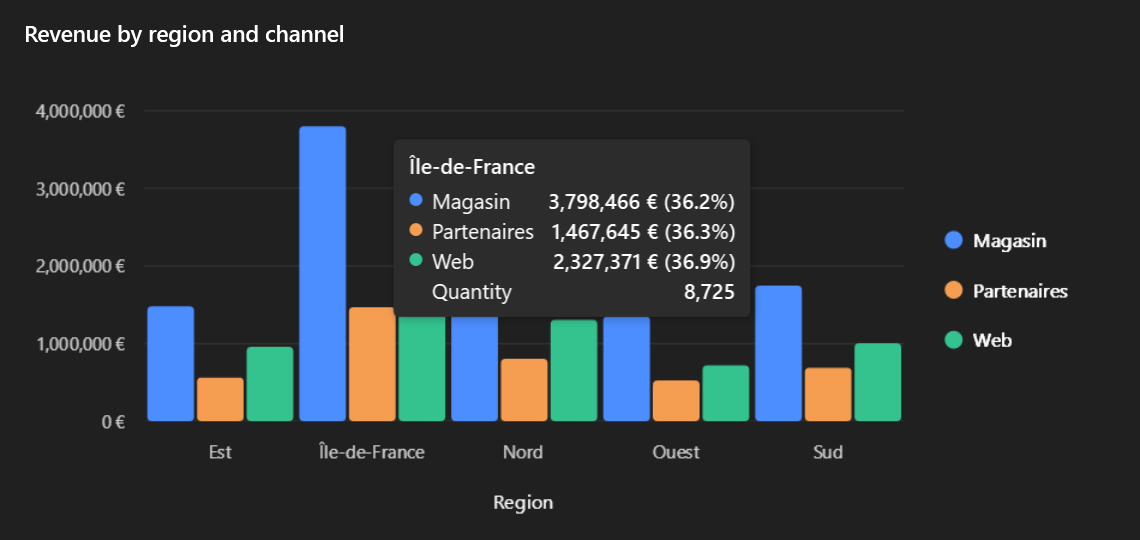
Hovering a bar, a point, a slice or a step shows an EasyBI tooltip, the same with every connector: the category, then each series with its color and value.
What users set
Per chart, in the designer:
- the Tooltip well takes measures shown in the tooltip only (Quantity above): they are queried with the chart but draw no series;
- the Tooltips section of the properties shows or hides the tooltips, the category, the series' names and each value's share of its series' total (%);
- a custom text replaces the content, with fields between braces.
| Field | Is replaced by |
|---|---|
{category} |
The hovered category |
{series} |
The series' name |
{value} |
The hovered value, formatted |
{percent} |
Its share of its series' total |
{Quantity}, {Revenue}... |
Any measure of the chart or of the Tooltip well, by name or caption |
Tooltip = new TooltipSettings
{
    ShowPercent = true,
    Values = [new("Quantity")],
    Template = "{category}: {value} for {Quantity} sales", // (1)!
},
- An unknown field stays as typed.
Change the content
EasyBIContext.TooltipOpening is raised before every tooltip opens, with the visual, the hovered category and series,
and EasyBI's content (a TooltipContent: a Title, Items of label, value and color, or a Text). Replace it, or set
it to null to show nothing:
context.TooltipOpening += (_, e) =>
{
    if (e.Visual.Model == "sales" && e.Content is { } content)
        e.Content = content with { Items = [.. content.Items, new TooltipItem("Target", Targets.For(content.Title))] };
};
Restyle it
The frame is a standard ToolTip, so it takes your application's tooltip style. The content is drawn by a
DataTemplate under ChartTooltips.TemplateKey:
<DataTemplate x:Key="{x:Static bi:ChartTooltips.TemplateKey}">
    <StackPanel>
        <TextBlock Text="{Binding Title}" FontWeight="Bold" />
        <ItemsControl ItemsSource="{Binding Items}" DisplayMemberPath="Value" />
    </StackPanel>
</DataTemplate>
For connector authors
Tooltips.Build(request, category, series) (EasyBI.Core) gives the default content of a RenderRequest, without
a view.