Legends
A chart places its legend from its size: on the right, then below, then hidden when there is no room. Users can pick another place.
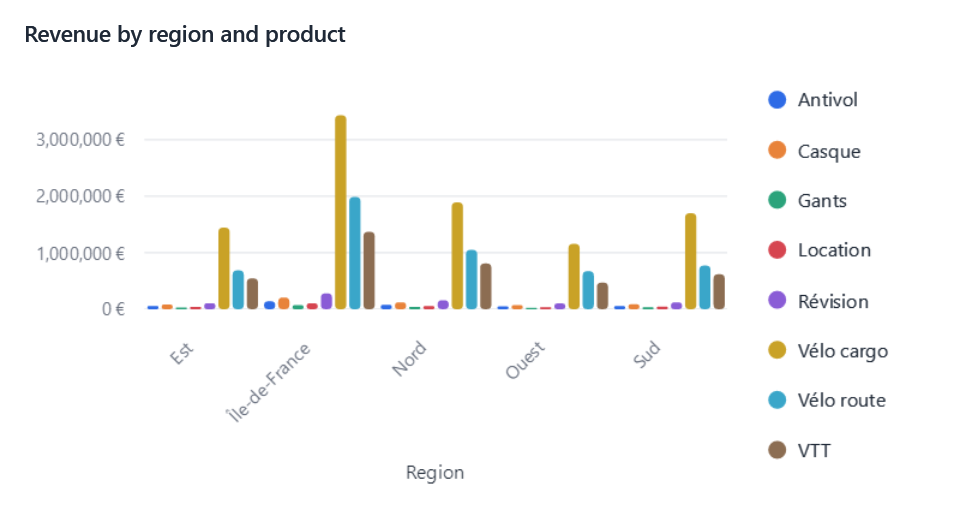
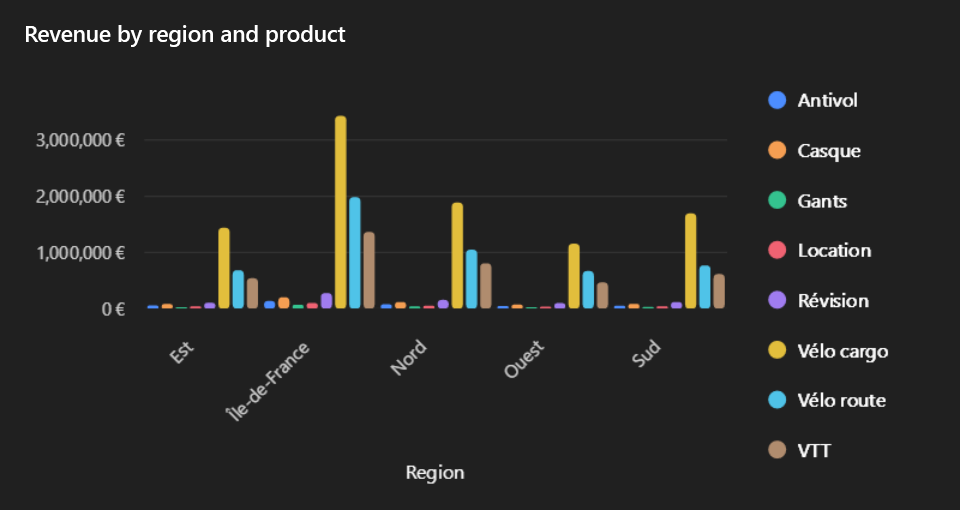
Where
In the designer's Visual section, Legend offers Automatic, Right, Bottom, Top, Left and Hidden.
A chosen side applies while the chart has room for it; otherwise the automatic place does.
By pages
When a legend has more entries than its room shows, it shows them by pages: a small pager (◀ 2/5 ▶) appears in the
corner next to it; its buttons and the mouse wheel turn the pages. The pager is a lookless control,
ChartLegendPager, restyled like any other. Legends otherwise keep their charting library's look.
OxyPlot pies
OxyPlot names the slices of a pie around it rather than in a legend: hiding the legend drops those names.